 English
 Bengali
EP444 App Handheld Casino Freedom Built for Bangladesh
The EP444 Android application ships as a direct APK from ep-444.net/app.apk. You won't find it on Google Play because Play Store doesn't distribute real-money gambling apps in Bangladesh — every licensed operator serving this market ships APKs directly, this isn't unique to EP444. The download weighs approximately 22.5 MB. Runs smoothly on Android 5.0 (Lollipop, released 2014) or later. There's no iOS version because App Store policies block real-money gambling apps for Bangladesh, and iOS sideloading isn't practical for most users. iPhone owners access the same complete library through the mobile casino site via Safari or Chrome. Explore our games anytime and confirm identity through verification.

What Makes the EP444 Mobile App Different
Many competing casino apps demand Android 7.0 or above. EP444 supports Android 5.0 because handset upgrade cycles in Bangladesh stretch further than in high-income economies — we'd rather grant access on aging hardware than shut you out. On our end, this adds around 4 MB of compatibility scaffolding to the APK. On your end, it means the app runs on phones still actively used here that newer apps refuse.
The application delivers the complete casino, sportsbook, and live dealer experience through a faster, more consistent interface than the mobile browser. Live streams flow smoother, push alerts fire reliably for bonus drops and match kickoffs, and session persistence is stronger (no lost progress when swapping between apps).
Your account state sits on our servers, not your phone. Balance, bonus status, KYC progress, and gaming history stay synchronized across web, mobile browser, and native app — jump between them freely. Sign in on a laptop, resume on your phone, wrap up on a tablet without re-authenticating each time. Check the FAQ for details.
Play NowMobile App Benefits That Suit Every Player
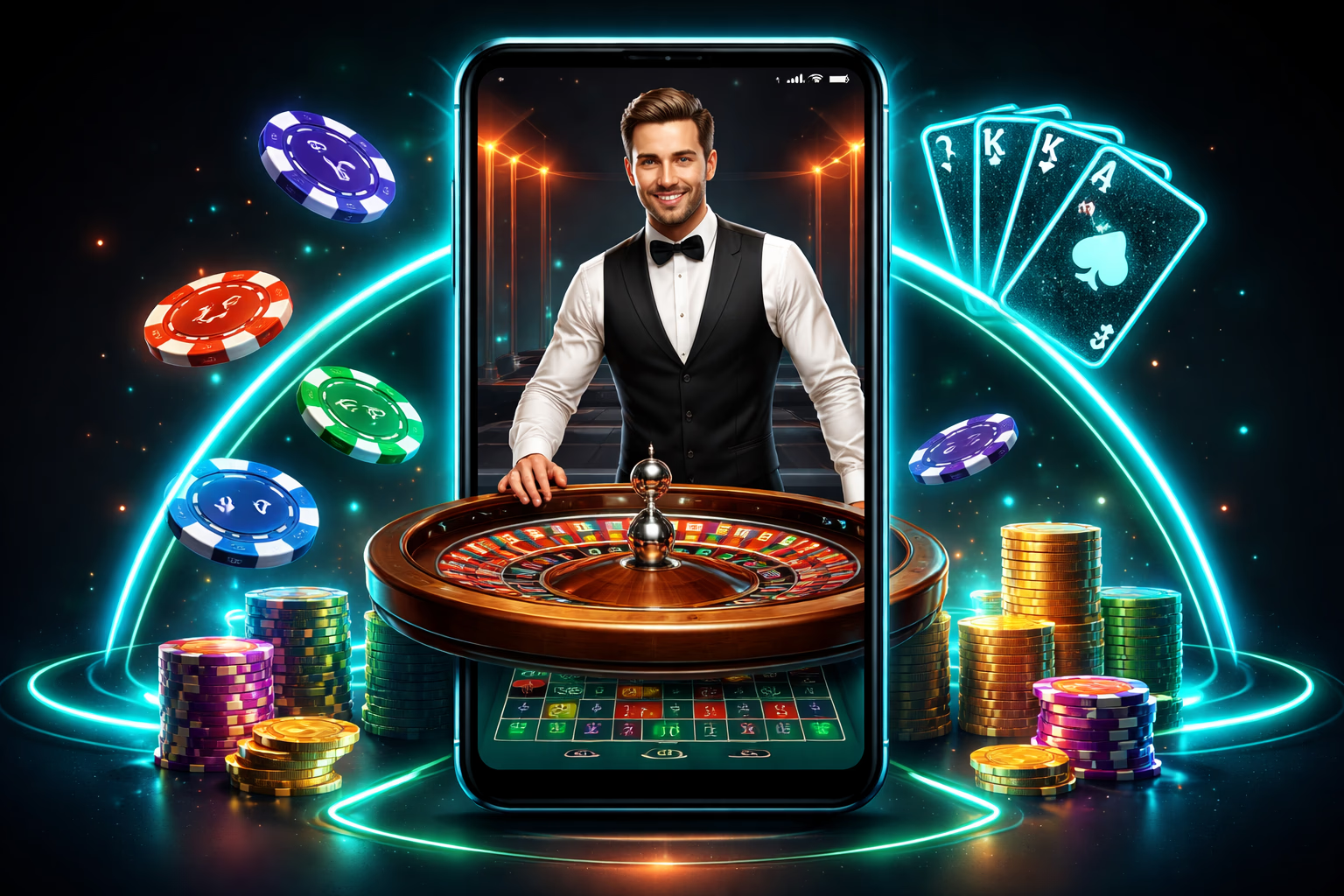
One-Tap Launch
The app icon opens the platform instantly — no browser tab to hunt for, no URL to type, no danger of stumbling onto a cloned phishing page. For users worried about impersonation (a legitimate concern here — fake EP444 mirror sites circulate widely), the installed application acts as a phishing-resistant gateway. Spin the reels on slots.
App-Exclusive Rewards
Certain campaigns run solely for app users — bonus drops synchronized with cricket fixtures, free spin waves on featured slot releases, occasional cashback multipliers. Push notifications operate inside the app and simply cannot on the mobile browser. Head to login to activate.
Stronger Security Layer
The application manages credentials more safely than browser-based sign-in. No browser-stored passwords for anyone to harvest. No cross-domain cookies exploitable by other sites. The app's networking stack applies certificate pinning — even if the device's DNS is hijacked, the app refuses connections to counterfeit servers.
Real-Time Notifications
Push alerts cover: deposit clearance, withdrawal completion, bonus credit, wagering fulfillment, KYC approval, upcoming match reminders (for sports wagers you've locked in), tournament progression updates, and platform notices. All alerts are adjustable — silence any category you don't want under Android settings → EP444 → Notifications.
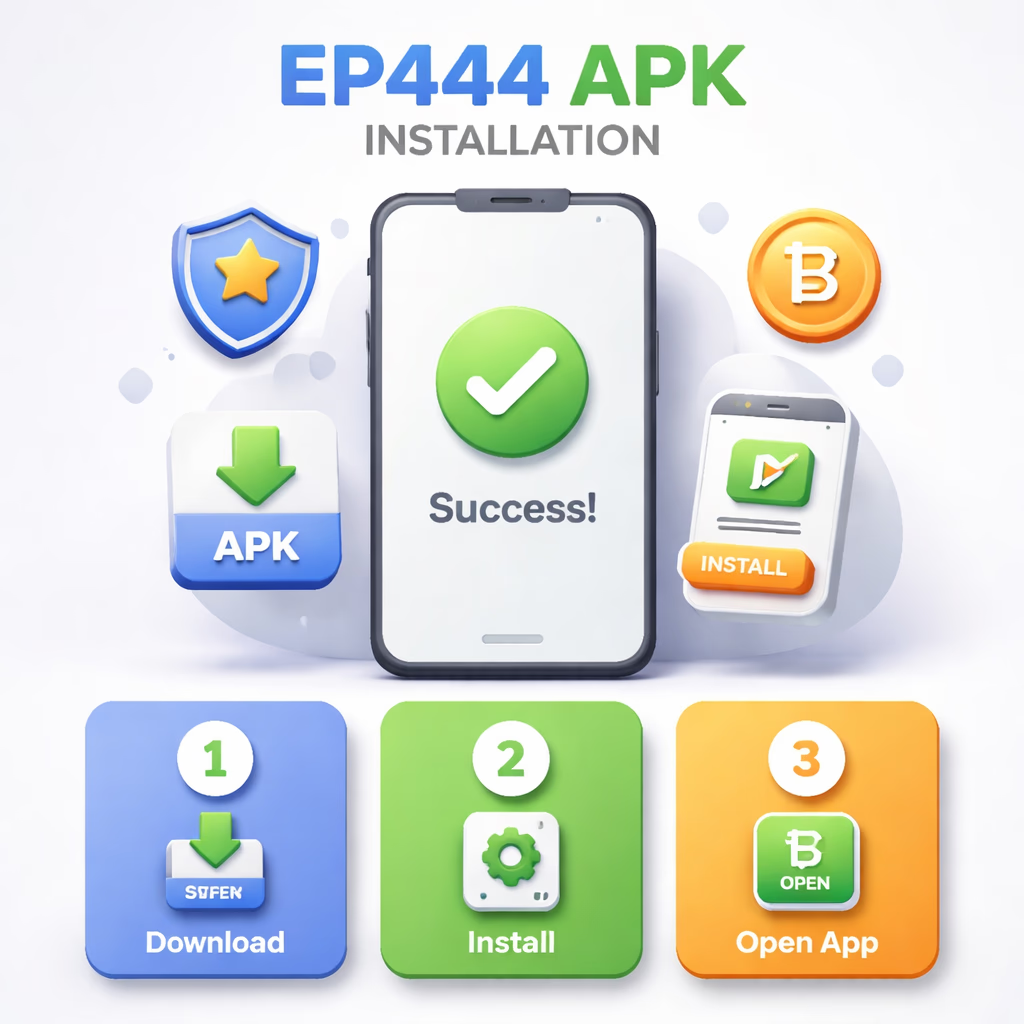
How to Download and Install the EP444 APK
Step 1 — Grab the APK File
Tap Download APK on this page or anywhere else on ep-444.net. The file (about 22.5 MB) saves to your device's Downloads folder. Your browser might flag a security notice because the file didn't come from Play Store — that's expected. Accept the download. If someone shared the link with you from outside ep-444.net, type ep-444.net manually into your browser to double-check — phishing operations distribute fake APKs that mimic ours but pack malware. Reach out via contact if unsure.
Step 2 — Allow Install From Unknown Sources
Android blocks installations from outside Play Store as a default safeguard. When you tap the APK to begin, Android will ask you to grant permission for your browser (Chrome, Samsung Internet, whichever you used) to install apps. Tap settings and switch "Allow from this source" on. You can disable it after installation completes — it's a per-application permission. On Android versions before 8.0, the toggle is under Settings → Security → Unknown Sources. Verify legitimacy via official channels.
Step 3 — Install and Open
Tap the APK file inside your Downloads folder or notification bar. Android will display the permission list (Internet, Storage, Notifications, optional Camera for KYC document uploads inside the app). Review and approve. Installation completes in 10–30 seconds. The first launch pulls game asset cache (50–80 MB) — this happens once, and every subsequent open is immediate. Sign in with your EP444 username and password — the same credentials that work on web.
Why the EP444 App Outperforms Desktop (For Mobile-First Users)
Startup velocity. The mobile browser has to fetch HTML, CSS, JavaScript, fonts, and imagery on every session. The app keeps these assets stored locally — opens in under a second. Over 50 sessions per month, that's genuine time saved. Learn more about our tech.
Battery draw. Surprisingly, the app consumes less battery than the mobile browser for identical play sessions. Browser tabs render the entire DOM tree and re-run JavaScript on every interaction; native UI components are simply more power-efficient. During slot play, expect 3–5% battery drain per hour on the app versus 6–10% through the browser.
For desktop players or anyone preferring browser-based gameplay — the mobile site still carries the full game catalog and works well on any device. The app isn't mandatory; it's the optimized choice for mobile-first gamers.
Enter the App
